Sell after closing time
Late-night buyers order on the wall instead of knocking on your shutter.
A tablet on your wall takes the late-night orders. Customers pick what they want, pay by GCash, Maya or cash, then collect it from a pickup drawer. You only get up to bag it.
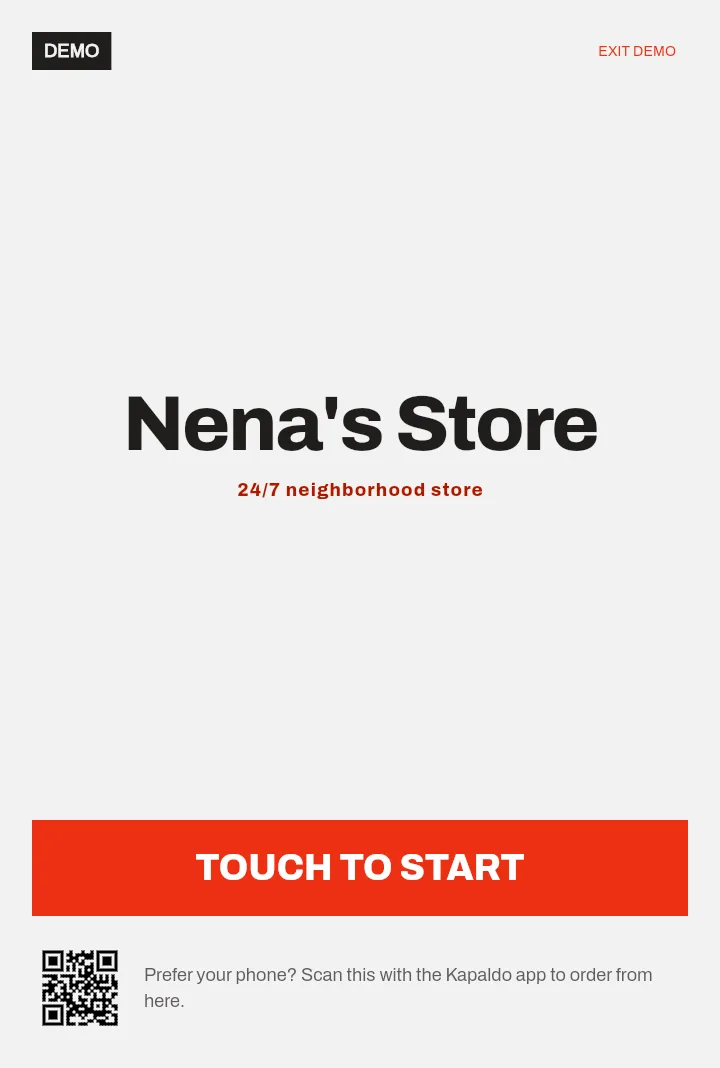
Your store's name, big and clear. A QR code lets people order from their phone instead.
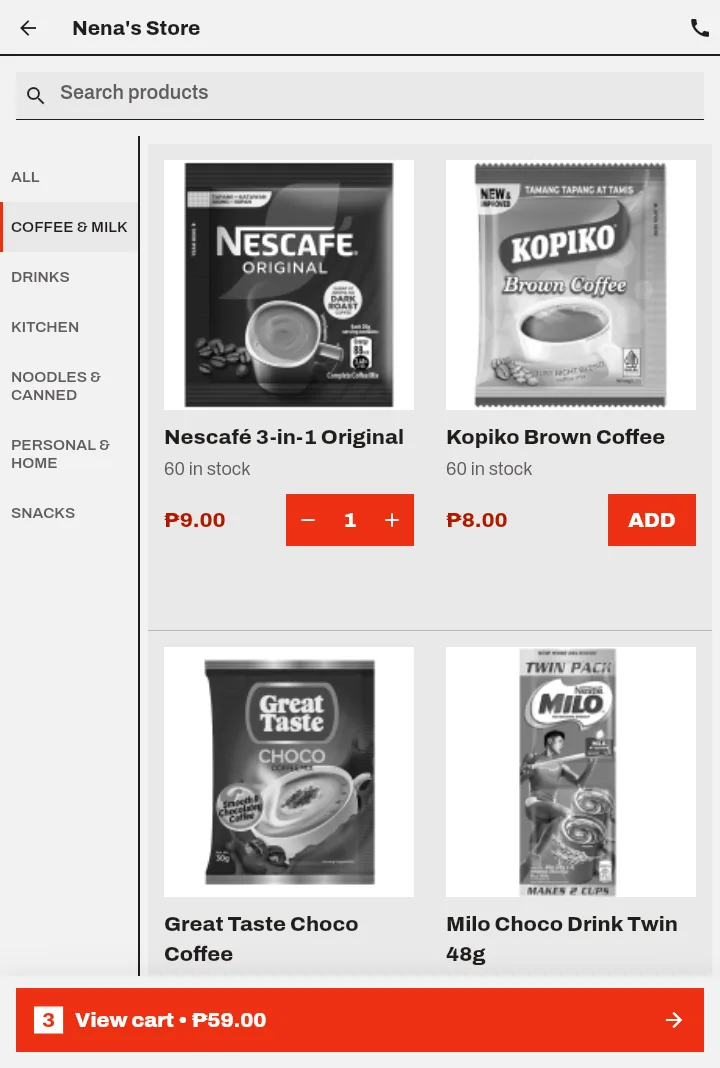
Every product by aisle, with the price and how many are left in stock.
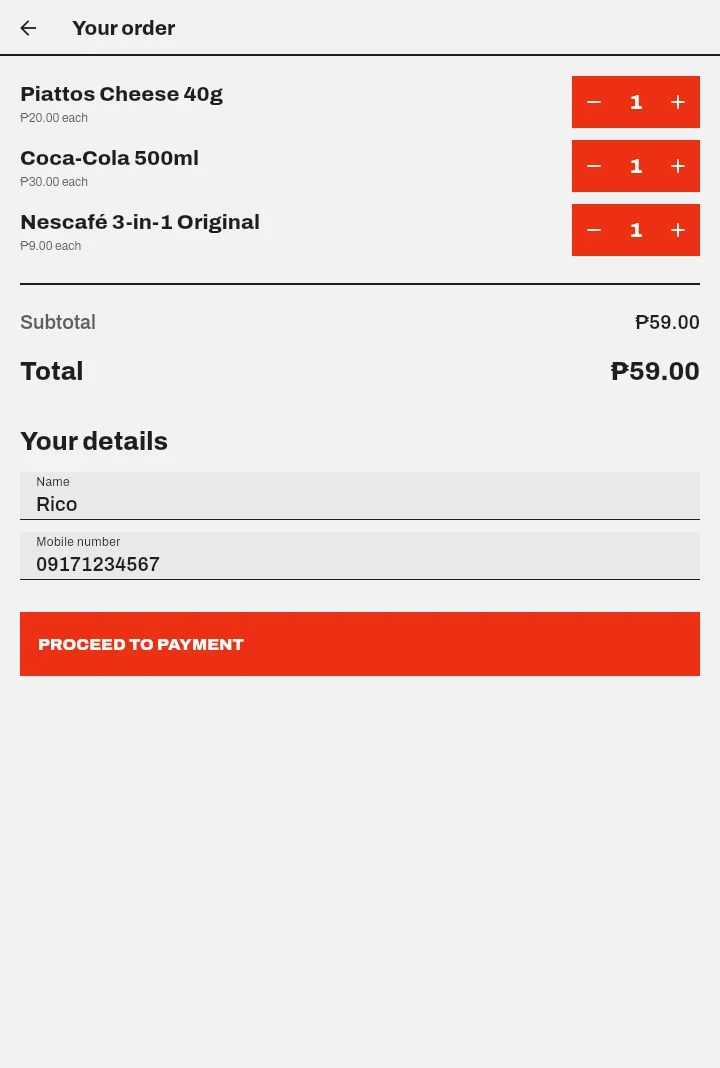
Change quantities, see the total, add a name and mobile number.
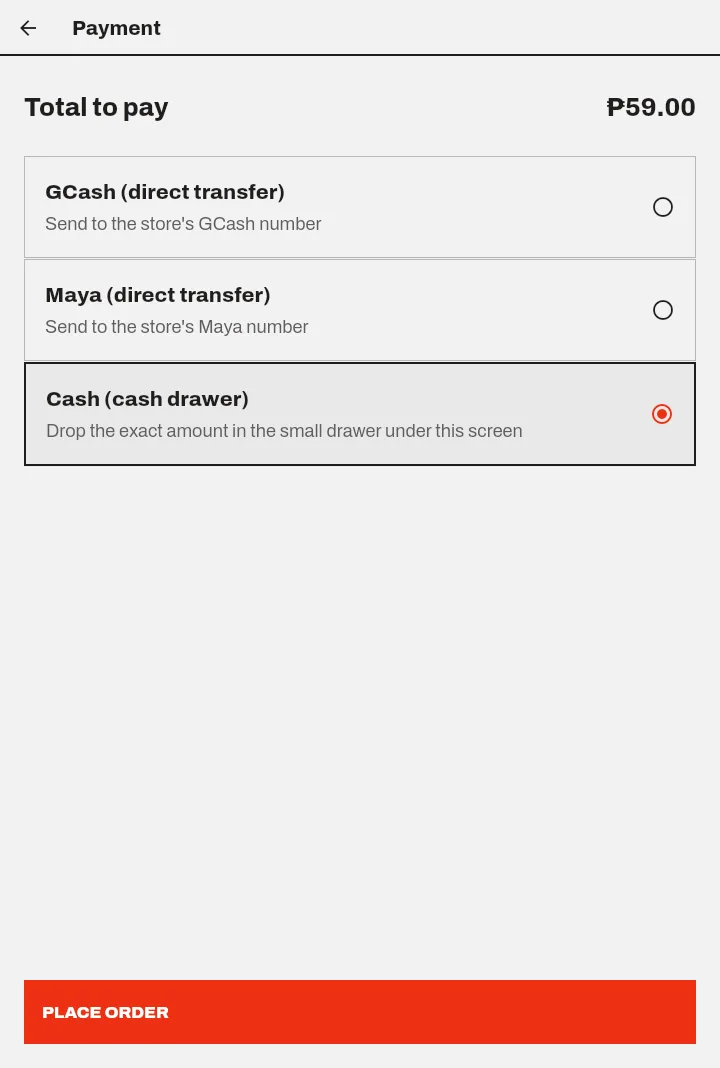
Only the payment methods you turned on. Cash goes in the small drawer.
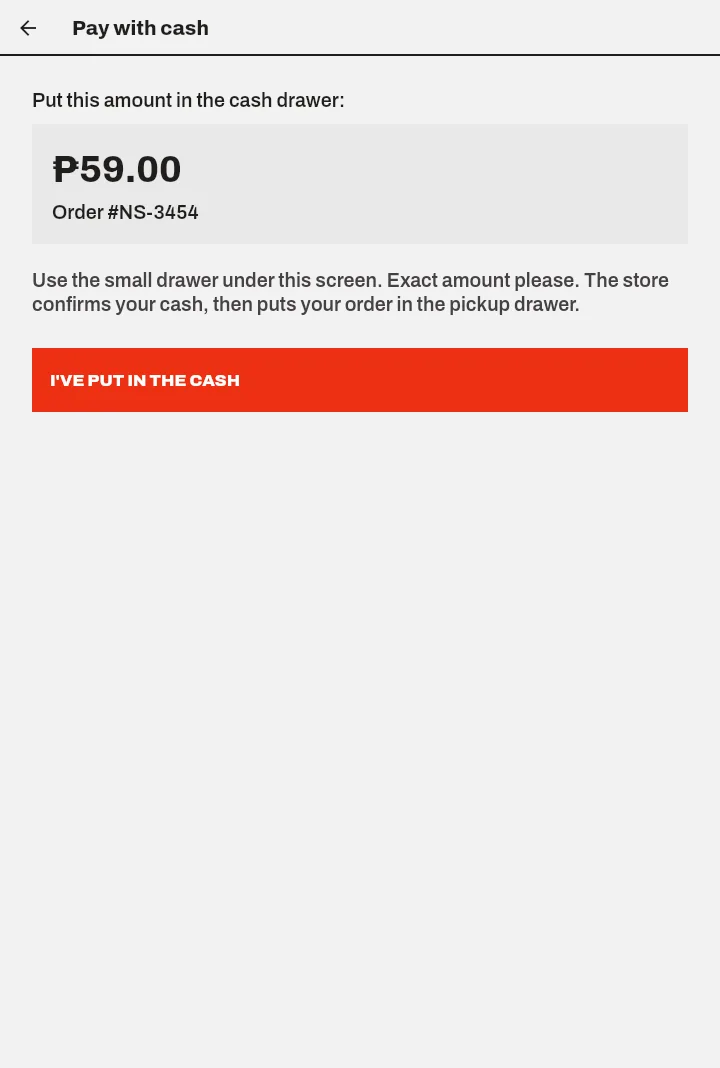
The kiosk shows the amount and order number, so you can match the cash.
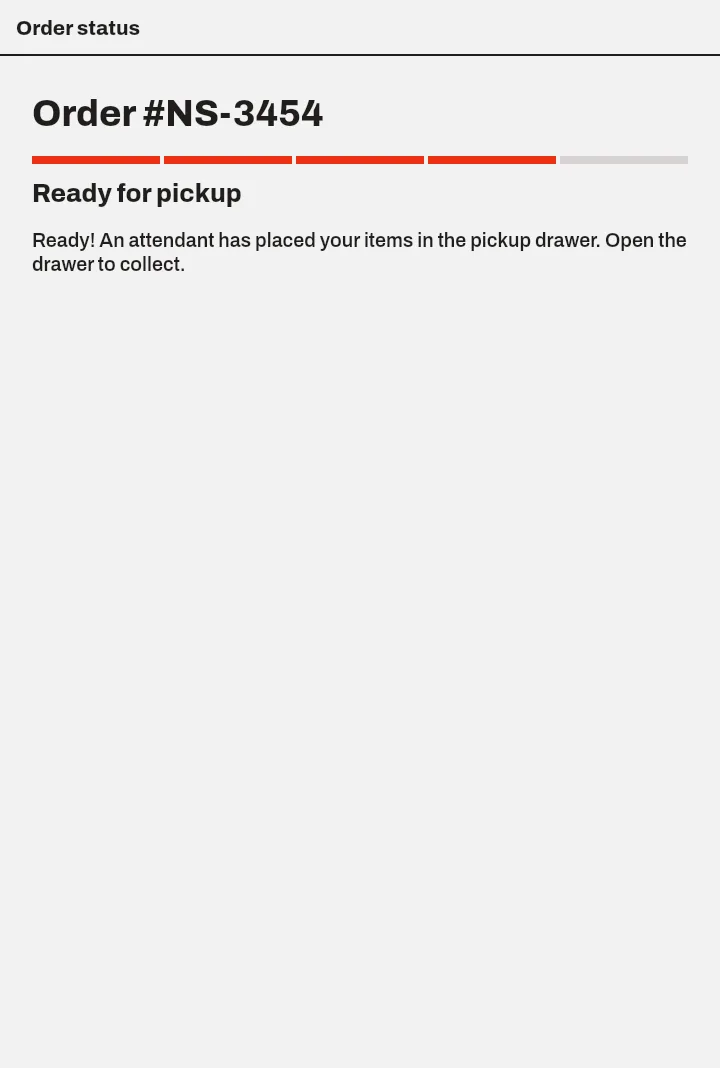
The screen tells them when their bag is in the drawer.
The tablet on your wall is awake all night, showing your store.
Adds what they need, then pays by GCash or Maya to your number, or drops cash in the drawer.
The order reaches you with the items and payment. Bag it and put it in the pickup drawer.
Their screen says ready. They open the drawer, take the bag and go.
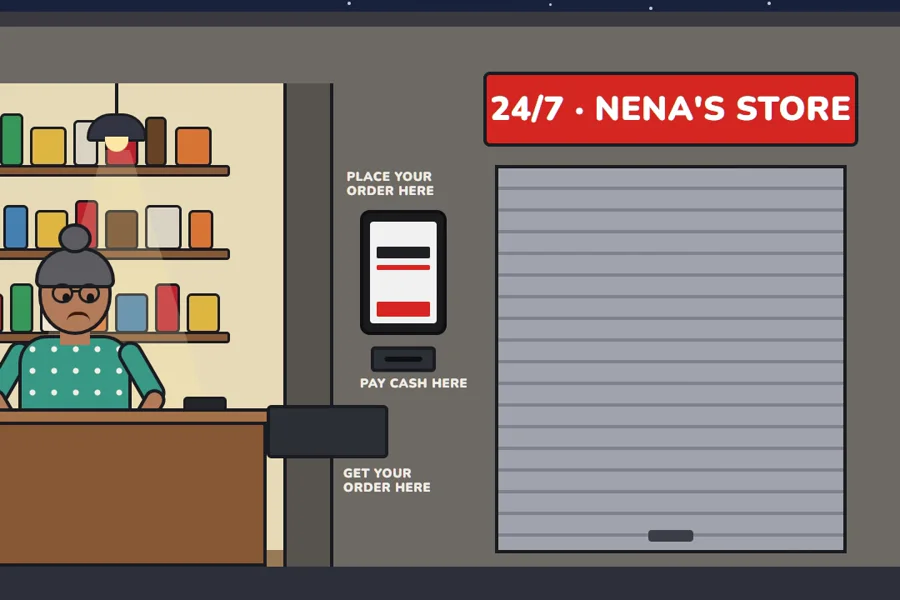
Aling Nena's store, after hours: Rico orders on the wall tablet, pays, and picks up from the drawer. 80 seconds.
The kiosk is a tablet running in its browser. Around it, two simple drawers do the rest.
Open merkado.kapaldo.com on it and enter your store ID once. It stays on your store from then on.
A small drawer under the tablet for customers who pay cash. You check it from inside.
A pass-through drawer in the wall. You put the bag in from inside, and they take it from outside.
Late-night buyers order on the wall instead of knocking on your shutter.
"60 in stock", "Only 3 left" or "Out of stock", straight from your Kapaldo product list.
GCash and Maya go straight to you. The customer enters the reference number on the kiosk.
Customers drop the exact amount in the cash drawer. You confirm it before you bag the order.
The order status screen tells the customer when their bag is in the drawer.
A QR code on the start screen opens your store in the Kapaldo app.
Not yet. We're trying the kiosk with a few stores first. Join the waitlist and we'll contact you when it's ready for your area. The demo store on this site works today.
A tablet with a modern web browser and internet, a mount for your wall, a pass-through drawer for pickups and a small cash drawer if you take cash. Join the waitlist and we'll help you plan the setup for your store.
By GCash or Maya straight to your own number (they enter the reference number on the kiosk), or with cash dropped in the small cash drawer under the tablet. You only see the payment methods you turned on.
You do. The kiosk shows the customer the exact amount and order number. You confirm the cash, then put the order in the pickup drawer.
Only to bag the order. The customer has already chosen and paid, so you don't open the shutter, wait while they decide or count change at the window.
Yes. Wi-Fi or mobile data, so orders reach you and stock stays up to date. The demo store on this site works without signing up.
Yes. The kiosk's start screen shows a QR code that opens your store in the Kapaldo app.
We're trying the kiosk with a few stores first. Leave your details and we'll contact you when it's ready for your area.
Thanks! We'll contact you when the kiosk is ready for your area. Until then, try the demo store.